

rime login
Opens your browser to the Rime dashboard for OAuth-based authentication, then saves your API key to ~/.rime/rime.toml. The CLI starts a local callback server to receive the key from the dashboard.
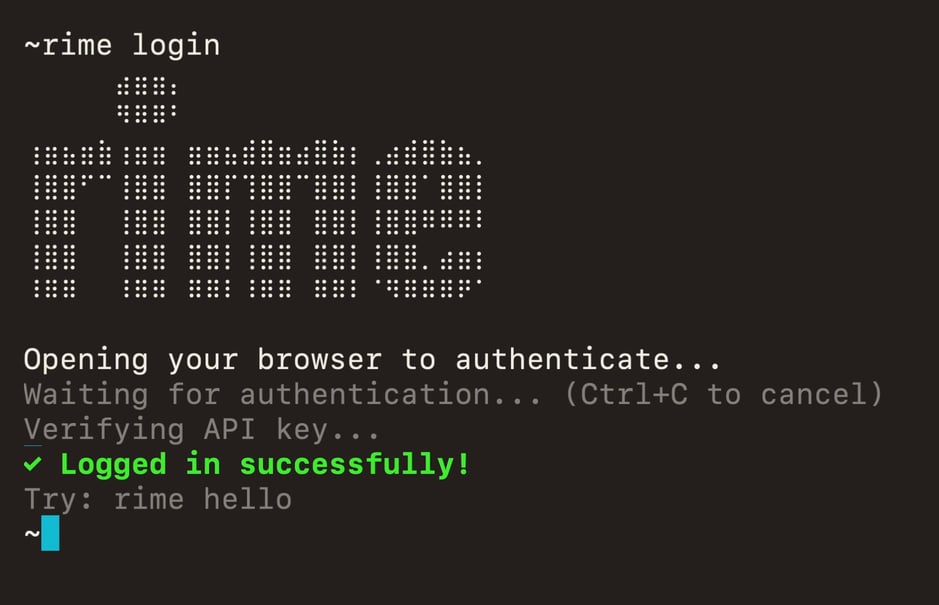
rime hello to confirm it works.
rime logout
Remove your saved API key by deleting the config file at ~/.rime/rime.toml. Deleting the file also removes any named environments you added, so run rime config init or rime login to set up again.
rime key
Print the resolved API key (no trailing newline). Useful in shell scripts and as a subexpression. For example, rime curl uses $(rime key) in its generated commands.
RIME_CLI_API_KEY, using the active environment. If no key resolves, it prints nothing, and a command that uses $(rime key) sends an empty key. Run rime config show to see where the key comes from.